ixBrowser: Best Incogniton Alternativesin 2025
The journey of selecting an anti-detect browser often begins with finding a tool that is accessible and easy to use. Incogniton has successfully served as this initial gateway for many, offering a gentle learning curve and a risk-free trial period that lowers the barrier to entry. However, as projects scale from experimentation to serious, sustained operations, the criteria for an ideal tool undergo a significant shift. The focus moves beyond just a friendly interface to encompass long-term cost predictability, technical resilience against evolving platform defenses, and robust support for collaborative workflows.
This transition from a trial-phase tool to a production-grade platform is where many users encounter the limitations of their initial choice. The need for a solution that grows seamlessly with the user's ambitions—without compromising on security or spiraling in cost—becomes paramount. It is precisely at this juncture that ixBrowser positions itself not merely as an alternative, but as the logical and superior successor for users ready to graduate from Incogniton's foundational offering.
What is Incogniton?
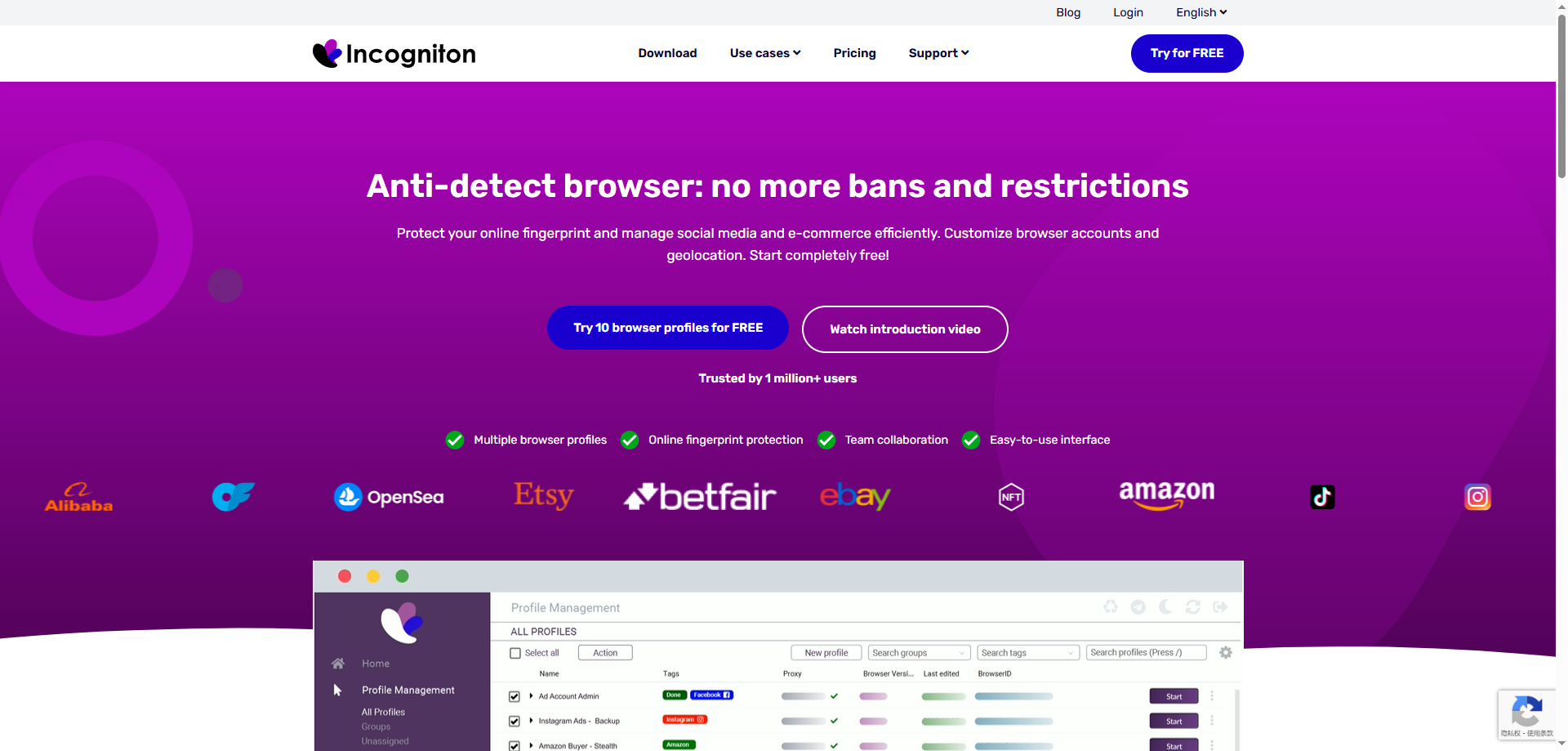
Incogniton is a comprehensive anti-detect browser designed to provide a secure and convenient solution for multi-account management and anti-detection. Its core function is to create isolated browser environments for each account, each equipped with a unique browser fingerprint, effectively preventing detection and bans by platforms due to identical fingerprints. This makes it a valuable tool for professionals in fields like cross-border e-commerce, social media marketing, and advertising.
The browser emphasizes user experience and cost-effectiveness, offering an intuitive interface and flexible subscription plans. Beyond its robust fingerprint management, Incogniton includes practical team collaboration features, supporting member permission management and profile sharing to facilitate efficient teamwork. It also integrates proxy services and allows for a degree of automation via API, catering to the diverse needs of individuals and small to medium-sized teams.
Advantages of Incogniton
Intuitive and User-Friendly Interface
Incogniton is praised for its clean and clear user interface, making it particularly suitable for beginners in anti-detect browsers. The logical layout allows users to quickly create, manage, and organize browser profiles, significantly reducing the learning curve.
Generous Free Trial Period
It offers a generous free trial period of up to two months, including an allowance for 10 browser profiles. This gives potential users ample time to thoroughly test its core features and stability, significantly lowering the barrier to entry and risk before making a commitment.
Practical Basic Team Collaboration Features
It includes built-in team collaboration tools, supporting profile assignment to members and basic permission management. This meets the fundamental needs of small teams working together, enhancing operational efficiency without relying on complex external systems.
Disadvantages of Incogniton
Relatively Low Fingerprint Update Frequency
The update speed and frequency of its browser fingerprint database may lag behind some more proactive competitors. When facing rapidly evolving detection mechanisms from platforms like Facebook or Google, slower updates can increase the long-term risk of profile detection.
Pricing Per Profile Can Become Expensive
While entry-level plans are attractive, its business model primarily charges based on the number of profiles. The total cost can escalate quickly for users managing hundreds of profiles, potentially making it expensive compared to competitors offering more generous or unlimited profile plans.
Fingerprint Spoofing Depth Lags Behind Top Competitors
When confronting the most advanced detection systems, the depth and detail of its fingerprint spoofing (e.g., the realism in simulating advanced parameters like Canvas, WebGL, audio context) may not match top-tier products like Multilogin or Kameleo. This could be a limitation for professional users with extremely high anonymity requirements.
What is ixBrowser?
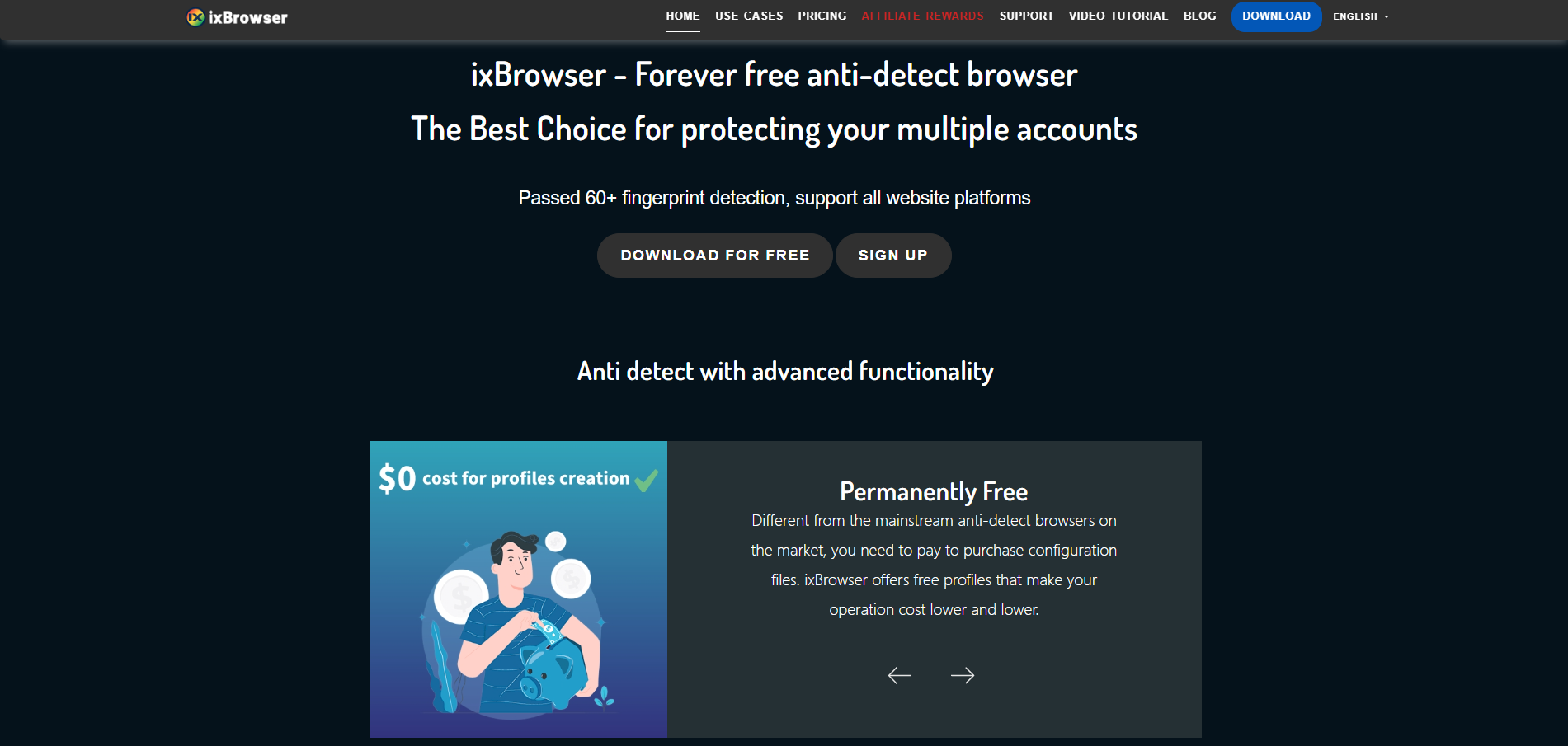
ixBrowser is a comprehensive anti-detect browser specifically designed for managing multiple online accounts securely and efficiently. It enables users to create isolated browser environments, each with a unique and consistent digital fingerprint. This technology is crucial for professionals in digital marketing, e-commerce, and social media management to operate multiple accounts without triggering security flags or bans from platforms.
The platform stands out with its user-friendly interface, making sophisticated fingerprint spoofing accessible even to less technical users. Beyond core profile management, ixBrowser supports advanced features like team collaboration with detailed permission controls, seamless proxy integration, and automation through browser automation studios. It provides a robust solution for tasks ranging from affiliate marketing and ad verification to large-scale data scraping.
Why is ixBrowser the best alternative to Incogniton?
When choosing an anti-detect browser, users often face a trade-off between ease of use and professional depth. Incogniton attracts many new users with its friendly interface and free trial period. However, its core technology update cycle and usage-based pricing model may struggle to meet the long-term needs of scaling operations. As demands for account security, stability, and cost control increase, a more forward-looking alternative becomes essential.
Superior Long-term Cost & Pricing Structure
While Incogniton offers an attractive short-term trial, its per-profile pricing model can lead to sharply increasing costs as business scales. In contrast, ixBrowser offers a more predictable and scalable pricing structure, typically providing more competitive plans that allow users to manage more profiles at a lower marginal cost, delivering significantly better long-term value.
More Proactive & Frequent Fingerprint Updates
Incogniton's relatively slow fingerprint update cycle can pose security lag risks. ixBrowser is committed to technological leadership, with shorter and faster update cycles for its fingerprint database and anti-detection algorithms. This enables more effective countermeasures against evolving detection mechanisms on major platforms like Google and Facebook, providing stronger long-term protection for accounts.
More Granular & Scalable Team Collaboration
While Incogniton provides basic team features, ixBrowser's team management system is more powerful and flexible. Users can create multiple team roles and freely assign role permissions and profile permissions, making it ideal for fast-growing or structurally complex teams.
Stronger Performance & Resource Efficiency
When handling a large number of browser profiles, ixBrowser is deeply optimized for system resource (CPU, RAM) usage, resulting in more stable and smooth operation. This allows users to run more concurrent tasks on the same device without significant lag, directly boosting productivity for large-scale operations.
Broader Validation & Compatibility for Professional Use Cases
ixBrowser is designed for various professional use cases including cross-border e-commerce, social media marketing, advertising, and data collection. Its compatibility with global mainstream platforms and websites has been extensively validated. Compared to Incogniton, it often delivers more reliable stability and success rates when managing high-value, high-sensitivity accounts.
Conclusion
In summary, while Incogniton serves as an excellent entry-point solution, ixBrowser emerges as the optimal alternative for upgrading from Incogniton to meet growing business and advanced needs. It achieves this through a superior long-term cost structure, more proactive technology updates, stronger team management, higher performance efficiency, and deeper support for professional use cases, representing a more forward-looking and sustainable choice.
This transition from a trial-phase tool to a production-grade platform is where many users encounter the limitations of their initial choice. The need for a solution that grows seamlessly with the user's ambitions—without compromising on security or spiraling in cost—becomes paramount. It is precisely at this juncture that ixBrowser positions itself not merely as an alternative, but as the logical and superior successor for users ready to graduate from Incogniton's foundational offering.
What is Incogniton?
Incogniton is a comprehensive anti-detect browser designed to provide a secure and convenient solution for multi-account management and anti-detection. Its core function is to create isolated browser environments for each account, each equipped with a unique browser fingerprint, effectively preventing detection and bans by platforms due to identical fingerprints. This makes it a valuable tool for professionals in fields like cross-border e-commerce, social media marketing, and advertising.
The browser emphasizes user experience and cost-effectiveness, offering an intuitive interface and flexible subscription plans. Beyond its robust fingerprint management, Incogniton includes practical team collaboration features, supporting member permission management and profile sharing to facilitate efficient teamwork. It also integrates proxy services and allows for a degree of automation via API, catering to the diverse needs of individuals and small to medium-sized teams.
Advantages of Incogniton
Intuitive and User-Friendly Interface
Incogniton is praised for its clean and clear user interface, making it particularly suitable for beginners in anti-detect browsers. The logical layout allows users to quickly create, manage, and organize browser profiles, significantly reducing the learning curve.
Generous Free Trial Period
It offers a generous free trial period of up to two months, including an allowance for 10 browser profiles. This gives potential users ample time to thoroughly test its core features and stability, significantly lowering the barrier to entry and risk before making a commitment.
Practical Basic Team Collaboration Features
It includes built-in team collaboration tools, supporting profile assignment to members and basic permission management. This meets the fundamental needs of small teams working together, enhancing operational efficiency without relying on complex external systems.
Disadvantages of Incogniton
Relatively Low Fingerprint Update Frequency
The update speed and frequency of its browser fingerprint database may lag behind some more proactive competitors. When facing rapidly evolving detection mechanisms from platforms like Facebook or Google, slower updates can increase the long-term risk of profile detection.
Pricing Per Profile Can Become Expensive
While entry-level plans are attractive, its business model primarily charges based on the number of profiles. The total cost can escalate quickly for users managing hundreds of profiles, potentially making it expensive compared to competitors offering more generous or unlimited profile plans.
Fingerprint Spoofing Depth Lags Behind Top Competitors
When confronting the most advanced detection systems, the depth and detail of its fingerprint spoofing (e.g., the realism in simulating advanced parameters like Canvas, WebGL, audio context) may not match top-tier products like Multilogin or Kameleo. This could be a limitation for professional users with extremely high anonymity requirements.
What is ixBrowser?
ixBrowser is a comprehensive anti-detect browser specifically designed for managing multiple online accounts securely and efficiently. It enables users to create isolated browser environments, each with a unique and consistent digital fingerprint. This technology is crucial for professionals in digital marketing, e-commerce, and social media management to operate multiple accounts without triggering security flags or bans from platforms.
The platform stands out with its user-friendly interface, making sophisticated fingerprint spoofing accessible even to less technical users. Beyond core profile management, ixBrowser supports advanced features like team collaboration with detailed permission controls, seamless proxy integration, and automation through browser automation studios. It provides a robust solution for tasks ranging from affiliate marketing and ad verification to large-scale data scraping.
Why is ixBrowser the best alternative to Incogniton?
When choosing an anti-detect browser, users often face a trade-off between ease of use and professional depth. Incogniton attracts many new users with its friendly interface and free trial period. However, its core technology update cycle and usage-based pricing model may struggle to meet the long-term needs of scaling operations. As demands for account security, stability, and cost control increase, a more forward-looking alternative becomes essential.
Superior Long-term Cost & Pricing Structure
While Incogniton offers an attractive short-term trial, its per-profile pricing model can lead to sharply increasing costs as business scales. In contrast, ixBrowser offers a more predictable and scalable pricing structure, typically providing more competitive plans that allow users to manage more profiles at a lower marginal cost, delivering significantly better long-term value.
More Proactive & Frequent Fingerprint Updates
Incogniton's relatively slow fingerprint update cycle can pose security lag risks. ixBrowser is committed to technological leadership, with shorter and faster update cycles for its fingerprint database and anti-detection algorithms. This enables more effective countermeasures against evolving detection mechanisms on major platforms like Google and Facebook, providing stronger long-term protection for accounts.
More Granular & Scalable Team Collaboration
While Incogniton provides basic team features, ixBrowser's team management system is more powerful and flexible. Users can create multiple team roles and freely assign role permissions and profile permissions, making it ideal for fast-growing or structurally complex teams.
Stronger Performance & Resource Efficiency
When handling a large number of browser profiles, ixBrowser is deeply optimized for system resource (CPU, RAM) usage, resulting in more stable and smooth operation. This allows users to run more concurrent tasks on the same device without significant lag, directly boosting productivity for large-scale operations.
Broader Validation & Compatibility for Professional Use Cases
ixBrowser is designed for various professional use cases including cross-border e-commerce, social media marketing, advertising, and data collection. Its compatibility with global mainstream platforms and websites has been extensively validated. Compared to Incogniton, it often delivers more reliable stability and success rates when managing high-value, high-sensitivity accounts.
Conclusion
In summary, while Incogniton serves as an excellent entry-point solution, ixBrowser emerges as the optimal alternative for upgrading from Incogniton to meet growing business and advanced needs. It achieves this through a superior long-term cost structure, more proactive technology updates, stronger team management, higher performance efficiency, and deeper support for professional use cases, representing a more forward-looking and sustainable choice.